

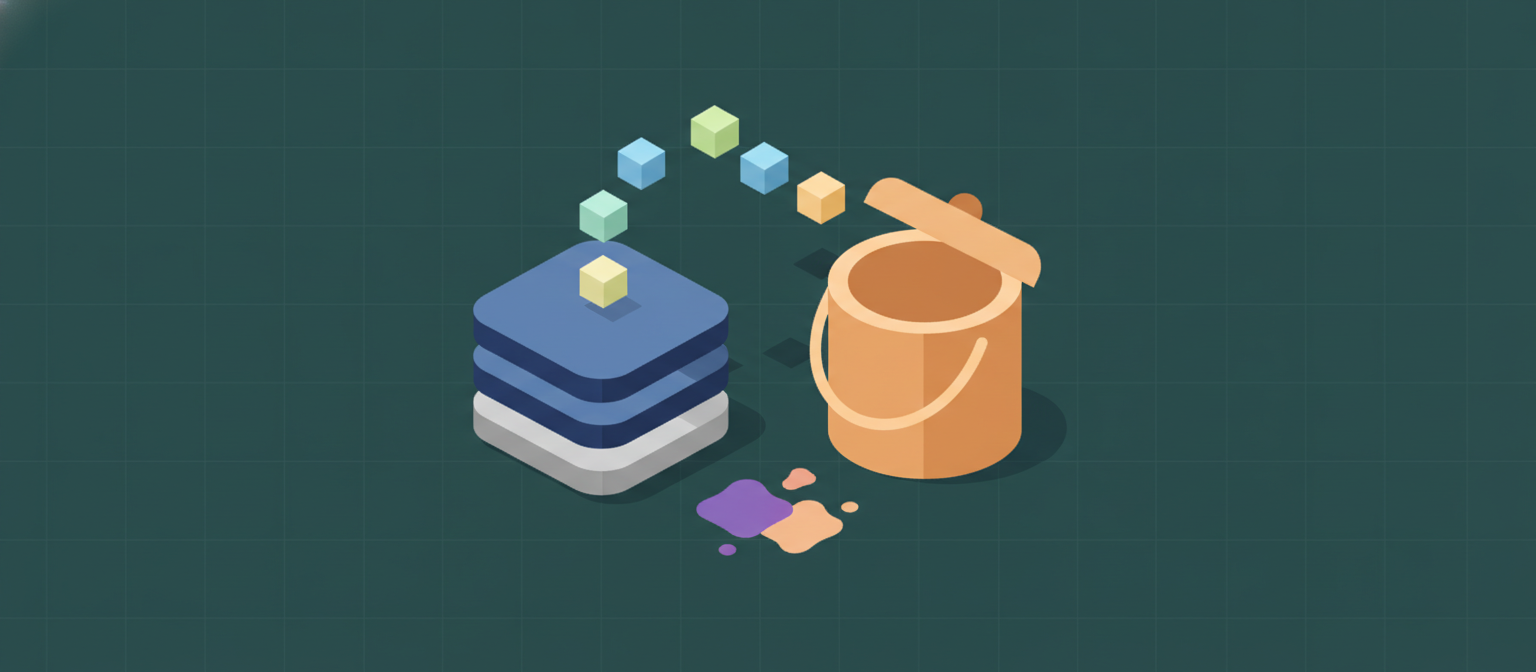
 Uncloud provides two types of storage: Block Storage (volumes) for attaching disks to Droplets and Object Storage (buckets) for S3-compatible file storage.
Block Storage (Volumes)
Volumes are high-performance block devices that attach to Droplets. Each volume is backed by a KubernetesPersistentVolumeClaim using Rook/Ceph RBD or Longhorn.
Volume Lifecycle
Features
- Attach/Detach — Mount a volume to any Droplet in the same project
- Resize — Increase volume size (no shrinking)
- Snapshots — Create point-in-time copies
- Multiple sizes — From 1 GB to multiple TB
Example
Object Storage (Buckets)
S3-compatible object storage for files, backups, media, and static assets. Powered by Rook/Ceph RGW or MinIO.Features
- S3-Compatible API — Works with any S3 client or SDK
- Buckets — Create isolated containers for objects
- Pre-signed URLs — Generate temporary access links for uploads/downloads
- File Browser — Browse and manage objects from the dashboard