

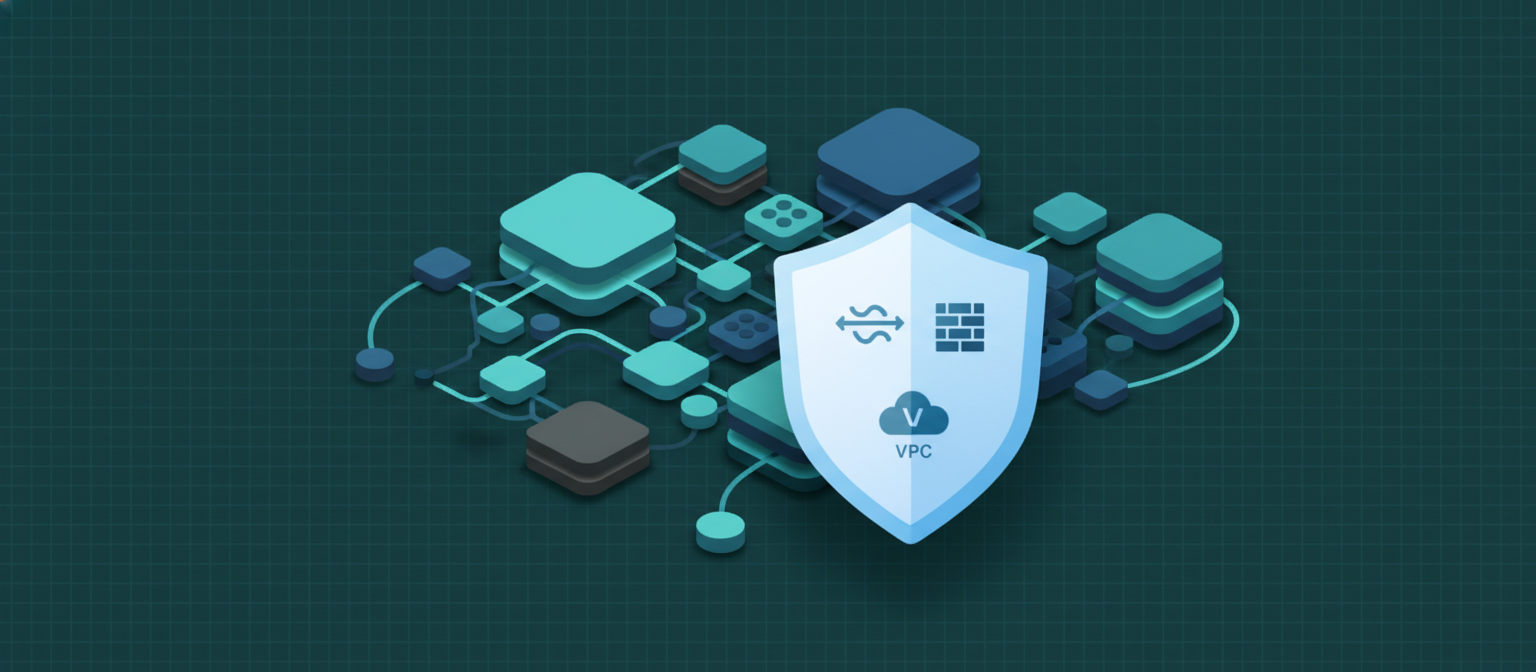
 Uncloud’s networking layer is built on Cilium (eBPF-based) and provides private networks, load balancers, firewalls, and API gateway capabilities.
Private Networking
Every project gets an isolated network. Droplets and Apps within a project can communicate over private IPs, while traffic between projects is blocked by default.IP Addressing
Load Balancers
Distribute traffic across multiple Droplets or App replicas.- Layer 4 (TCP/UDP) — Raw TCP/UDP load balancing
- Layer 7 (HTTP/HTTPS) — Application-level routing with path and host rules
Firewalls / Security Groups
Define stateful firewall rules at the Droplet or App level. Each rule specifies:- Direction — Inbound or outbound
- Protocol — TCP, UDP, ICMP
- Port range — Single port or range
- Source/Destination — CIDR block, tag, or Droplet
NetworkPolicy resources in Kubernetes.
API Gateway
Route external API traffic to backend services with:- Path-based routing
- Rate limiting
- Authentication
- Request/response transformation
Auto Scaling
Configure horizontal auto-scaling for Apps based on CPU or memory utilization:- Min replicas — Minimum number of running instances
- Max replicas — Maximum scale-out limit
- Target metric — CPU percentage or memory threshold
DNS
Uncloud uses CoreDNS for internal service discovery. Apps are automatically assigned subdomains:go4.site is accessible at my-api.go4.site.
Custom domains can be attached to any app, with automatic TLS certificate provisioning via cert-manager.